.svg)


.png)


Step 1: Understand how you use ePDQ today
Before choosing a replacement, it’s important to understand how ePDQ is used across your business. For most teams, it supports more than just taking payments.
Take a moment to consider:
· Do you take payments online, over the phone (MOTO), or both?
· Are payments connected to your website, booking system, CRM, or back-office tools?
· Does your finance team rely on ePDQ reports for reconciliation?
· Do you use recurring payments, saved cards, or payment links?
This clarity makes the rest of the process simpler. It ensures your new setup supports how your business actually operates — not just the basics.
At this stage, Blink Payment works with you to map your current setup and identify what needs to be supported in your replacement.
Step 2: Use the change as a chance to simplify
The retirement of ePDQ can feel inconvenient, but it’s also an opportunity to simplify your payments.
Instead of managing separate tools for online payments, phone payments, and reporting, many businesses choose to bring everything together in one platform.
When replacing ePDQ, it’s worth looking for a solution that offers:
· Secure, PCI-compliant card processing
· Built-in 3D Secure
· Online, MOTO, and payment links in one place
· Clear, easy-to-use reporting for finance teams
· Straight forward integration with existing systems
· UK-based support that understands local requirements
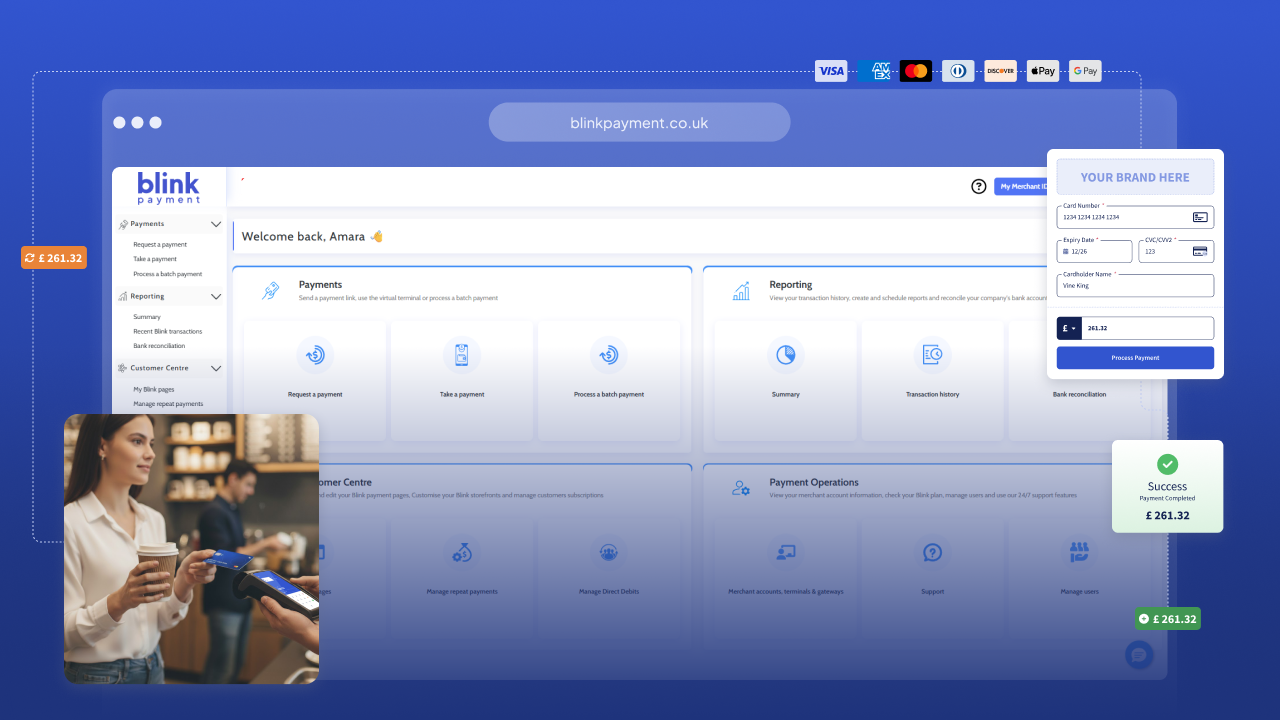
Blink Payment helps businesses move away from fragmented setups and replace ePDQ with a simpler, more joined-up payments platform.
Step 3: Migrate without pressure or disruption
Switching payment providers doesn’t need to be stressful,especially when the migration is planned properly.
A smooth migration with Blink Payment typically includes:
· Setting up payments so customers can continue to pay without interruption
· Aligning transaction data and reporting with your finance processes, including integration with accounting software such as Xero, QuickBooks, or Sage
Throughout the process, Blink Payment provides hands-on support from real people, helping to reduce risk, minimise downtime, and keep both your team and your customers confident during the transition.
Step 4: Improve your payments after go-live
Once you’re set up with Blink Payment, many businesses find they can improve how payments work.
After go-live, it’s worth taking time to:
· Understand which payment methods work best for your customers
· Make sure finance and operations teams are comfortable using reporting tools
It’s common for businesses to gain better visibility, more control, and greater confidence in their payments soon after moving away from ePDQ.
Why Blink Payment is the right Barclays ePDQ replacement
Blink Payment is more than a payment gateway. It’s an all-in-one platform designed to support UK businesses through change.
With Blink Payment, you get:
· Online and MOTO card payments on one platform
· Paylinks and flexible checkout options
· Centralised reporting and reconciliation
· Secure, compliant infrastructure
· Scalable solutions that support growth
· Dedicated support from real people throughout the transition
And an essential thing — we can support Barclays customers, meaning we can work with your existing MID.
Frequently asked questions about replacing Barclays ePDQ
What replaces Barclays ePDQ?
Blink Payment is a payments platform that supports online payments, MOTO transactions, and payment links, with built-in security and reporting.
How long does it take to replace ePDQ?
This depends on how ePDQ is currently used, but most businesses are up and running within a week.
Can I keep my existing Barclaycard Merchant ID (MID)?
In many cases, yes. Blink Payment can support eligible Barclaycard merchants using their existing MID. This depends on how your payments are currently set up, which we’ll confirm during an initial review.
Will customers notice a change?
With proper planning and testing, customers should experience little to no disruption.
Do I need to migrate before the shutdown date?
Yes. Waiting until the deadline increases the risk of service interruption and rushed implementation.
If you’re affected by the Barclays ePDQ retirement, a short conversation can help clarify your next steps. Blink Payment can review your current setup and support a smooth transition away from ePDQ.
.png)

.png)
